01See the grade.
See the grade.
See the timeline.
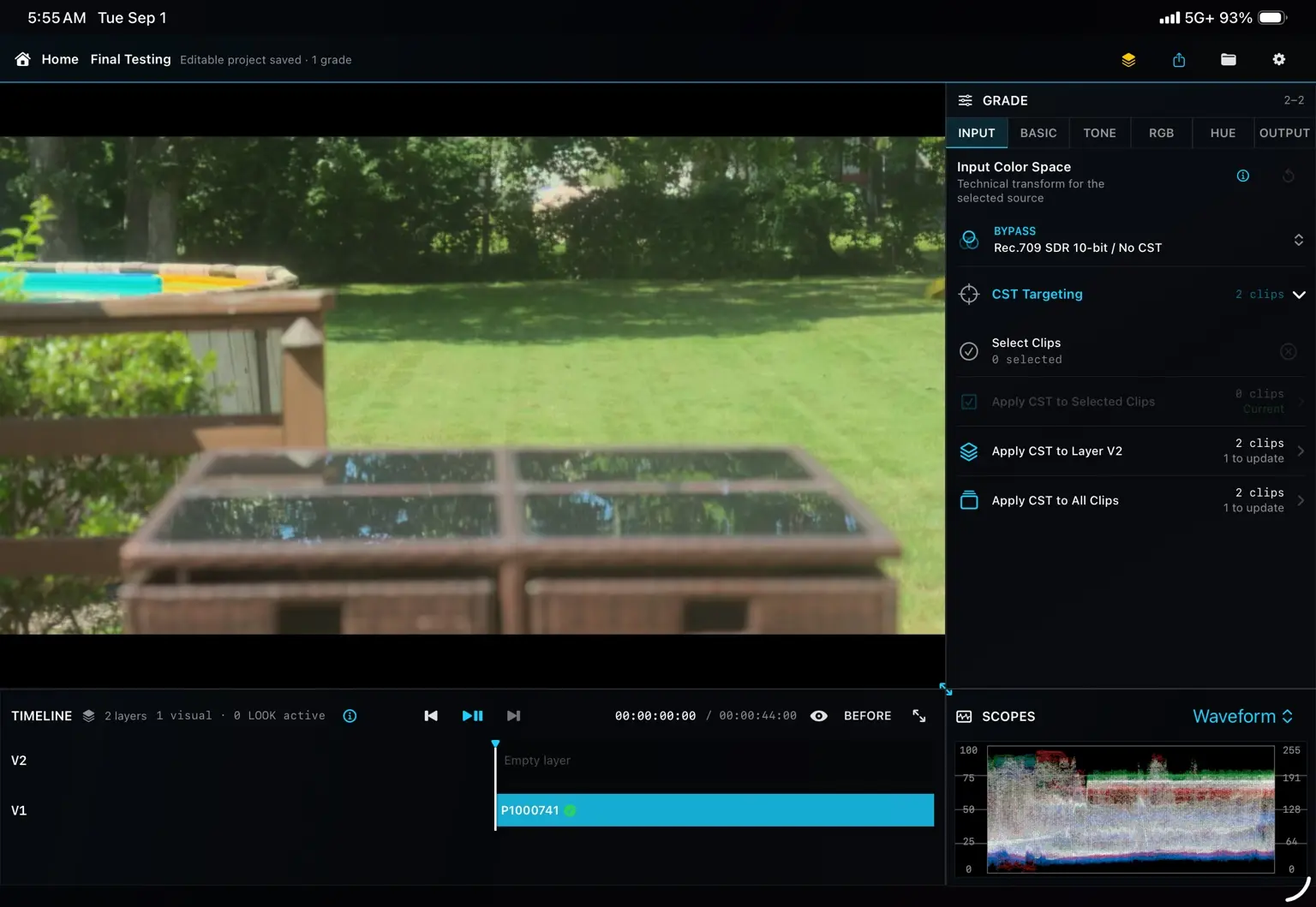
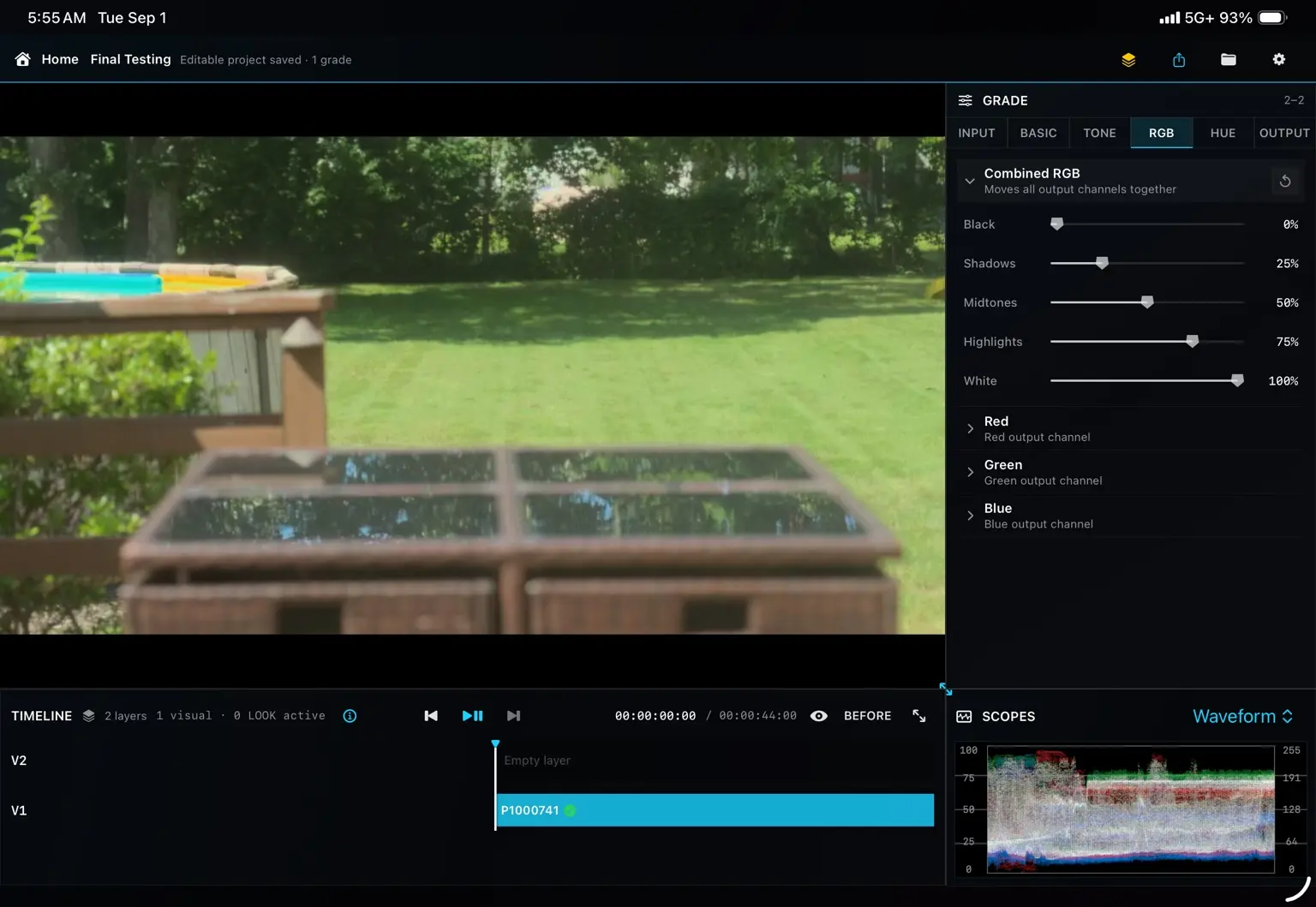
Your viewer, scopes, controls and existing edit stay in context while you work.
A dedicated color room for LumaFusion
Open your existing timeline. Grade with precision.
Send it back without rebuilding your edit.

Scroll to enter the color room
The workflow you already know
Private by design
Kolora processes your projects and media directly on your iPad. Your footage is not uploaded to servers operated by Kolora Creative LLC.
Read the Privacy Policy →Imported media, project data and color adjustments are handled inside the app sandbox.
Open Kolora and work without creating a Kolora profile or cloud library.
Kolora does not use third-party advertising or cross-app tracking technology.
One focused pipeline
Set the source color space and establish the foundation of your grade.
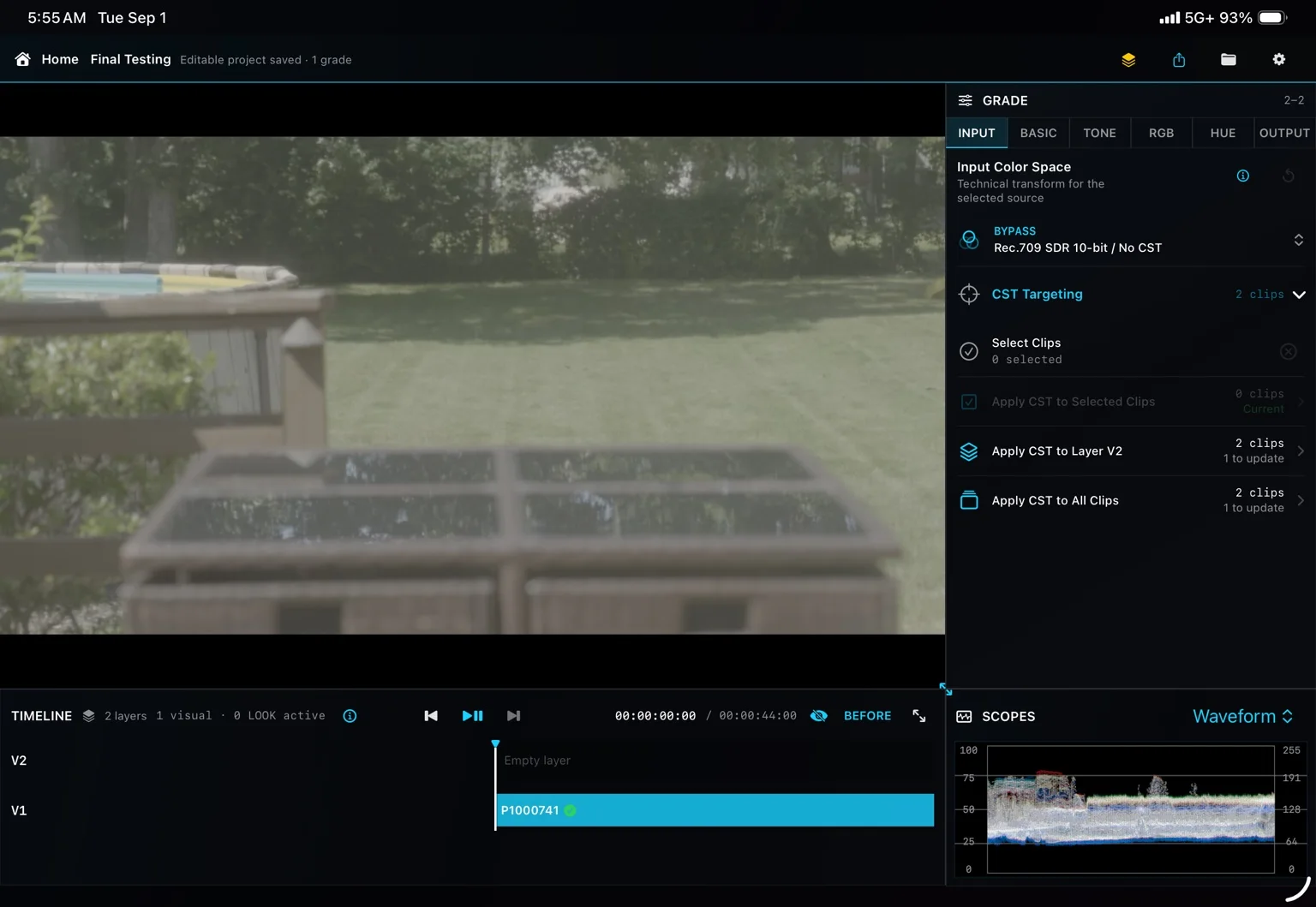
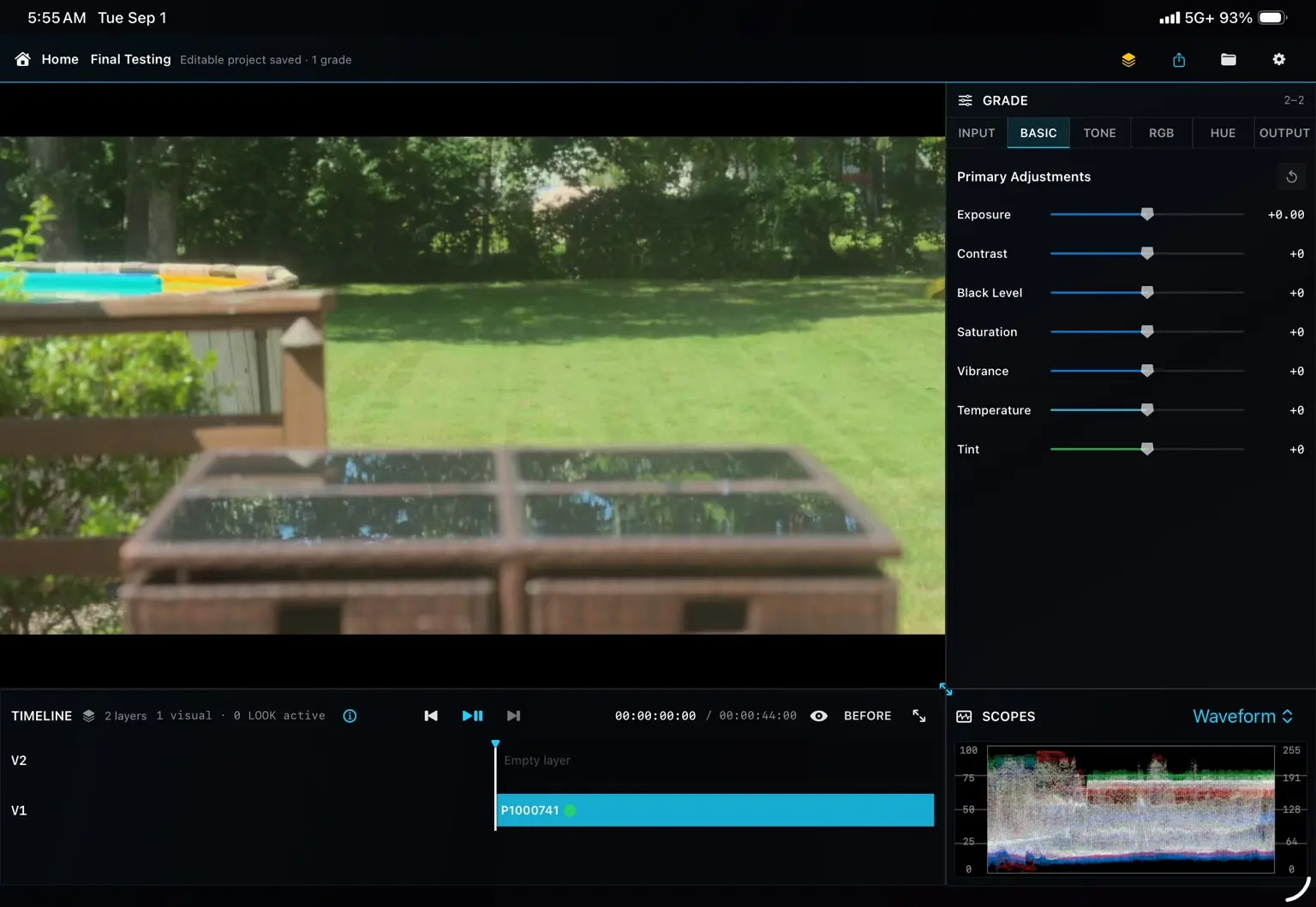
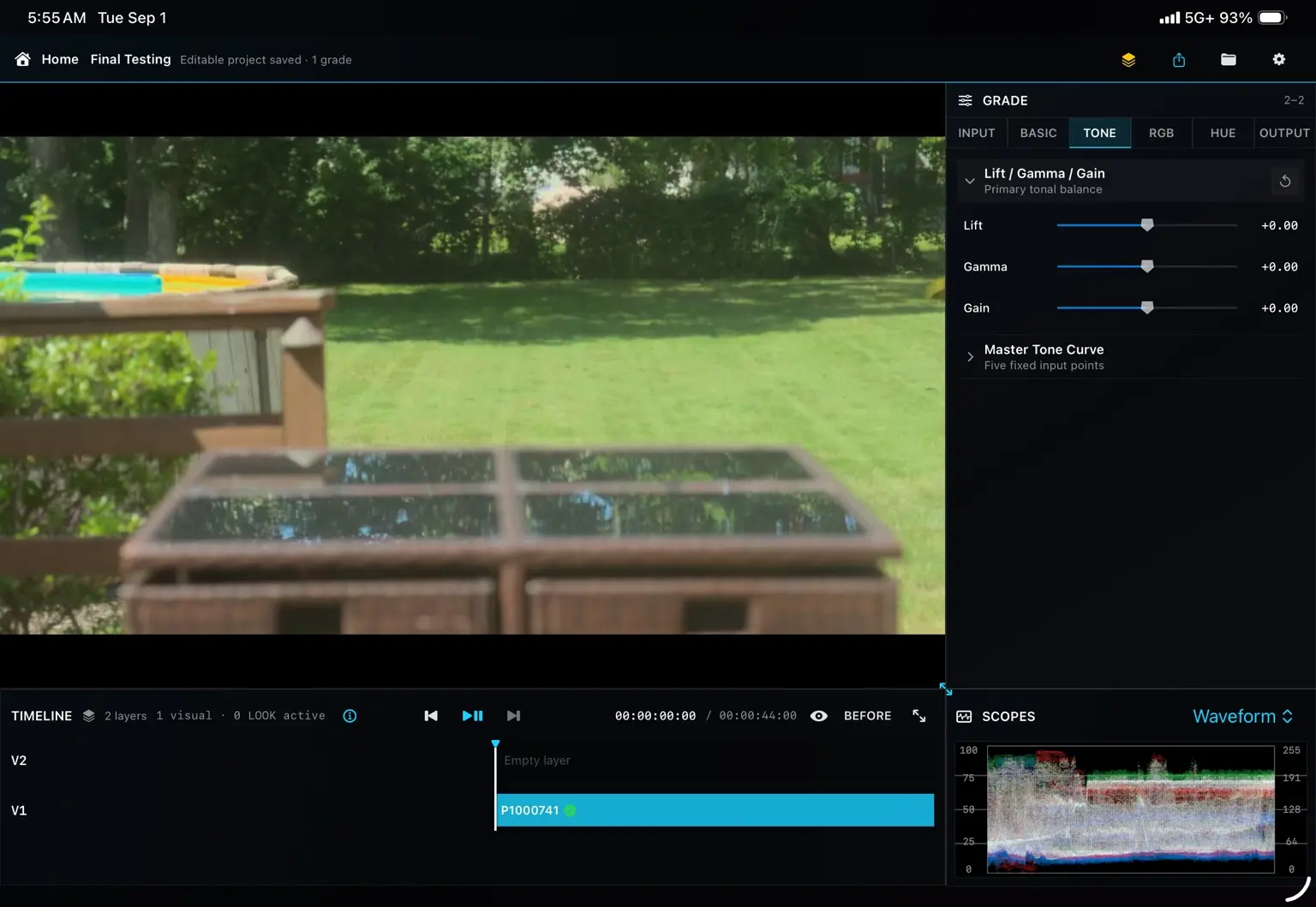
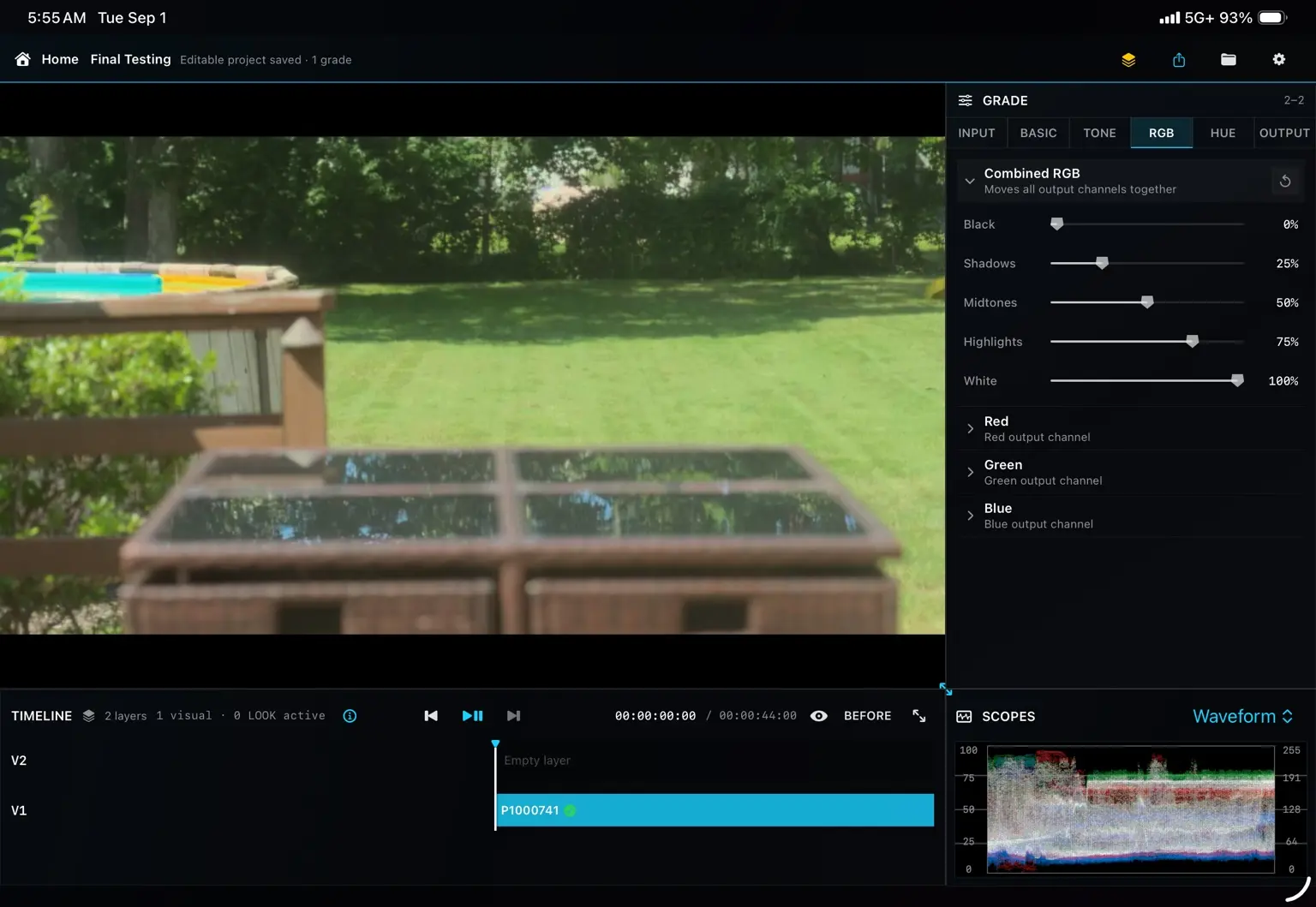
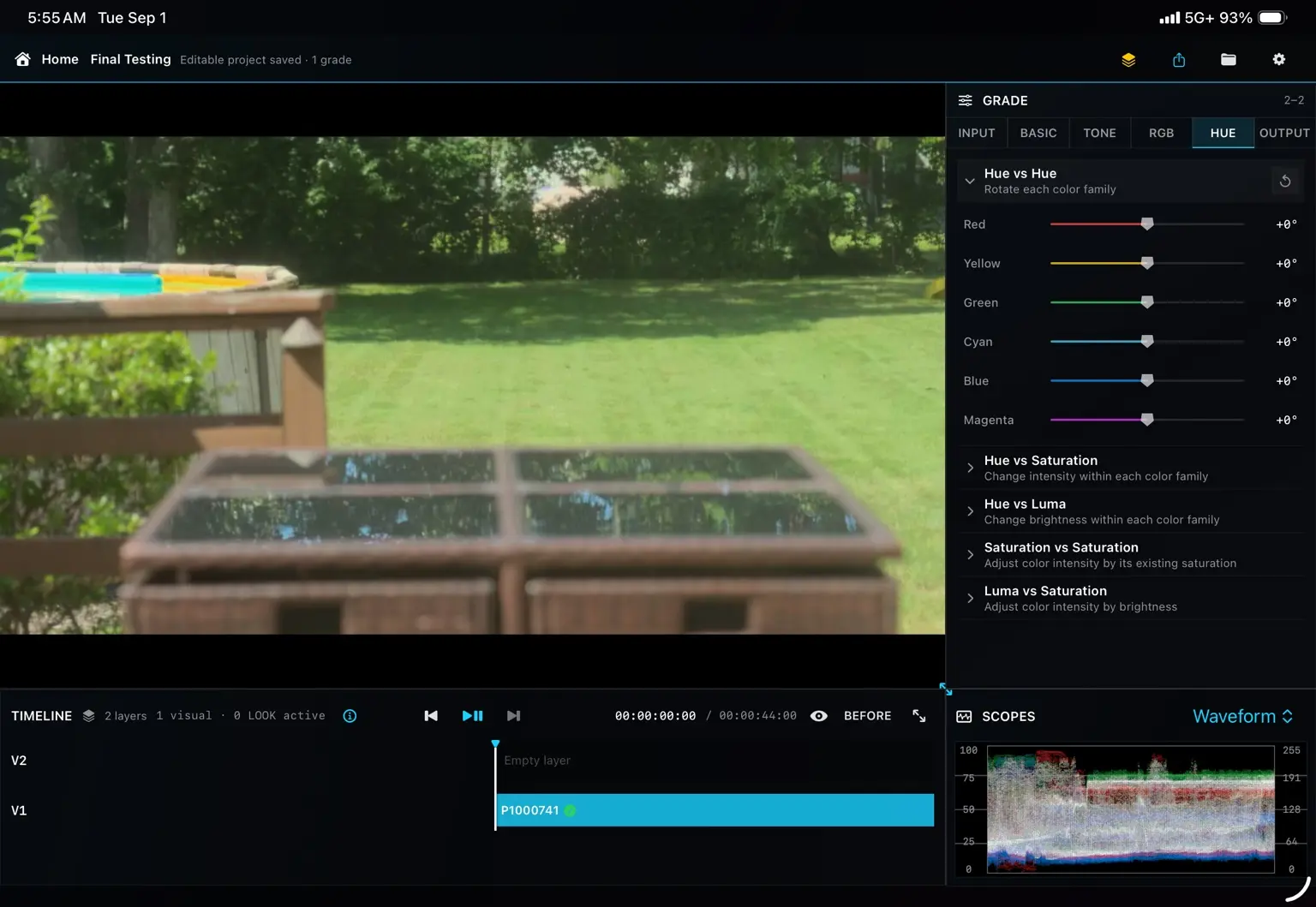
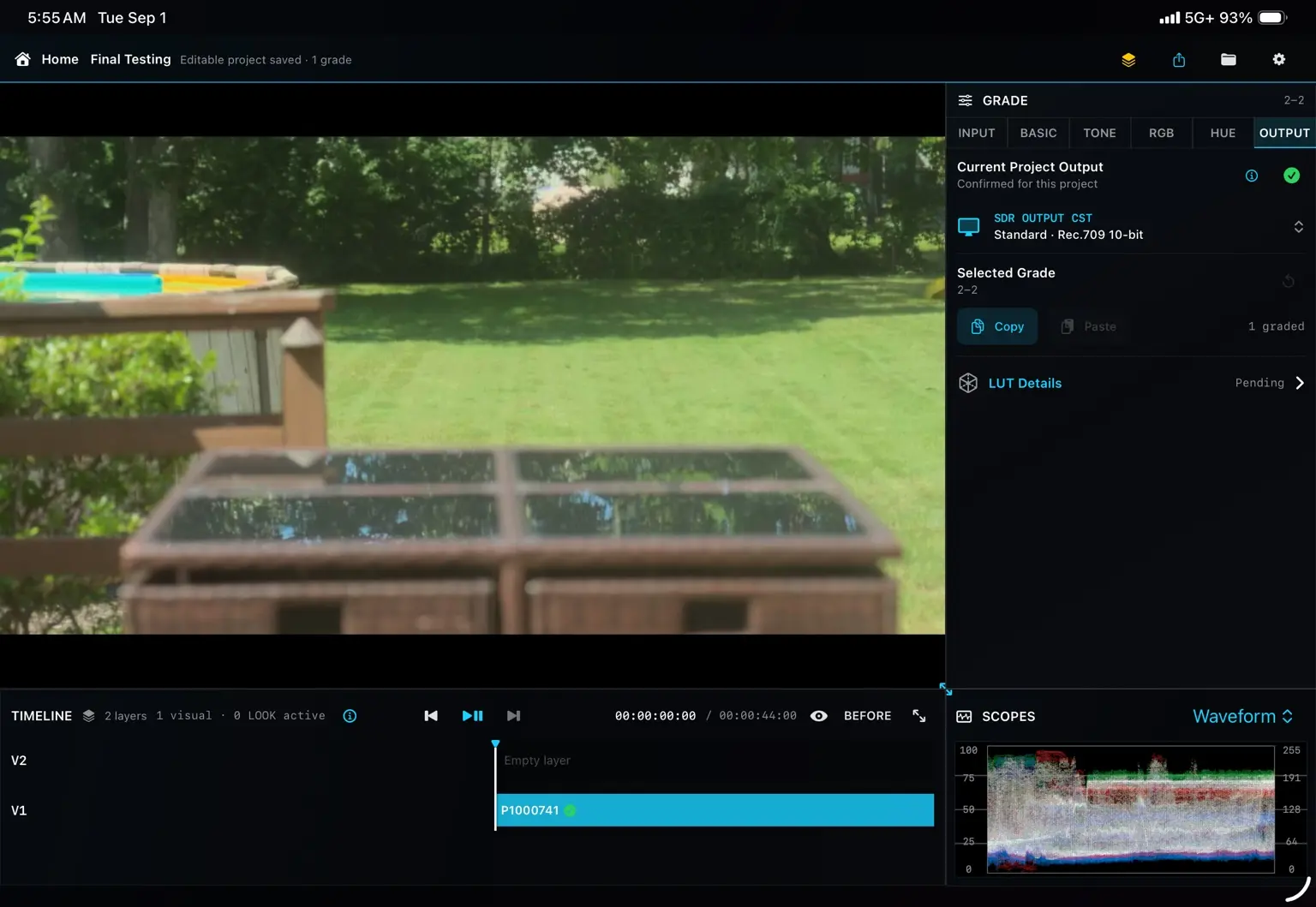
Professional depth. Clear structure.
Your viewer, scopes, controls and existing edit stay in context while you work.
Read the image while you shape it. No modal windows. No broken concentration.
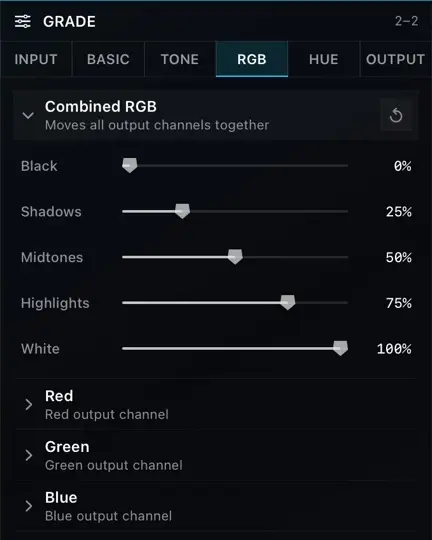
Shape the combined RGB image, then refine the red, green and blue output channels independently.
Designed for touch
Kolora is organized around direct, precise interaction. The controls stay readable. The image stays large. Your hands stay in the grade.
No timeline reconstruction
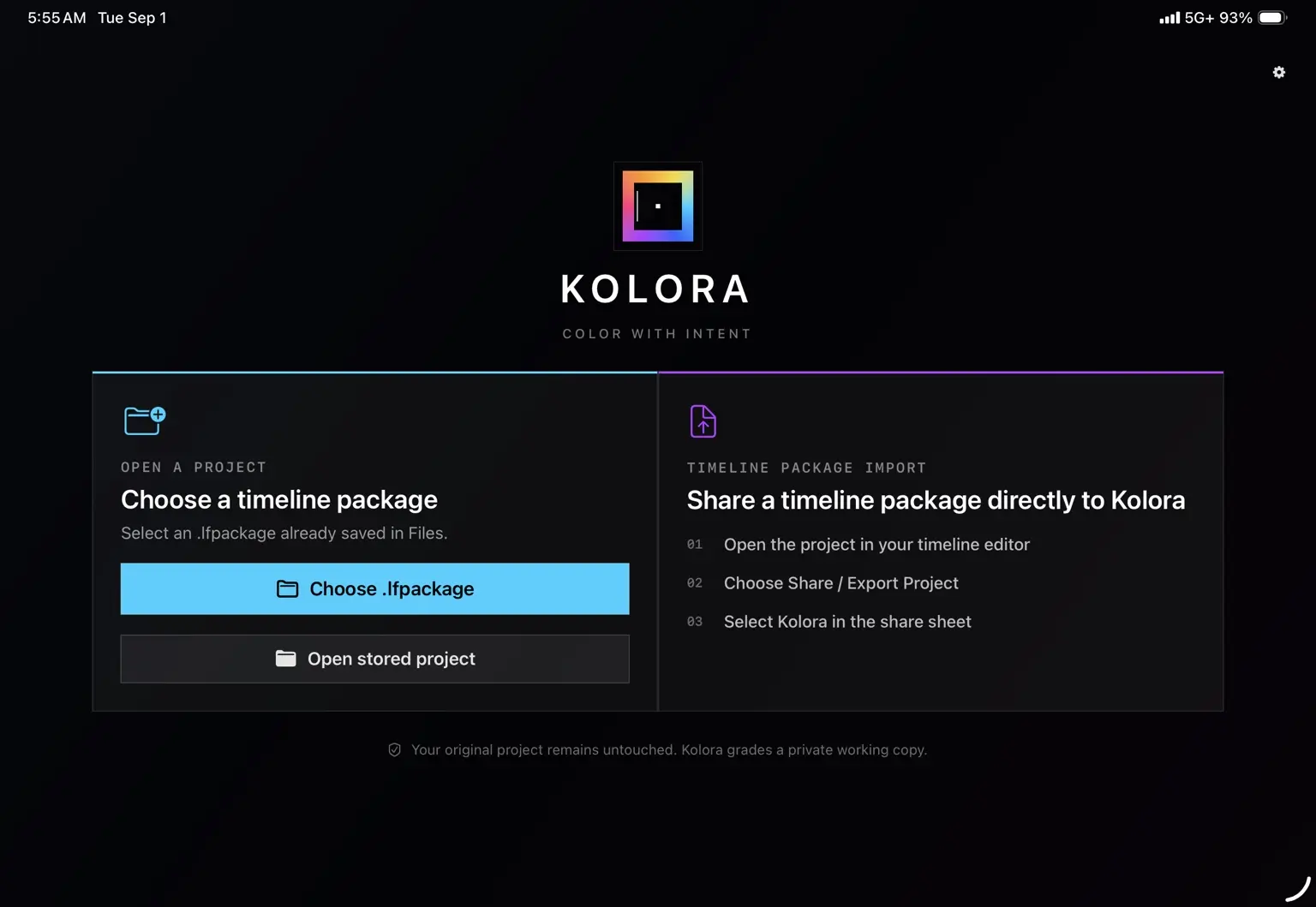
Choose a LumaFusion timeline package or share one directly to Kolora.
Questions, answered
No. Kolora is a focused color-grading environment. Your timeline is shown for context, but editing operations such as cutting, moving and adding clips remain in LumaFusion.
Kolora is designed to open supported .lfpackage timeline packages exported or shared from LumaFusion. Current compatibility requirements will be published with each TestFlight and App Store release.
No. Kolora processes imported projects and media on your device and does not upload them to servers operated by Kolora Creative LLC.
No. Kolora does not require an account.
Kolora works with an imported project package and creates an export for you to share back to your editing workflow. Always retain your original project and media as part of your normal backup process.
Visit the Kolora Support page for workflow guidance and direct contact information.
Color belongs in the story
Kolora is in active development for iPad.
Request Beta Access